Start simply
A new app can make setup feel like another project. Begin with one task you want to move forward today; add the rest only when it becomes useful.
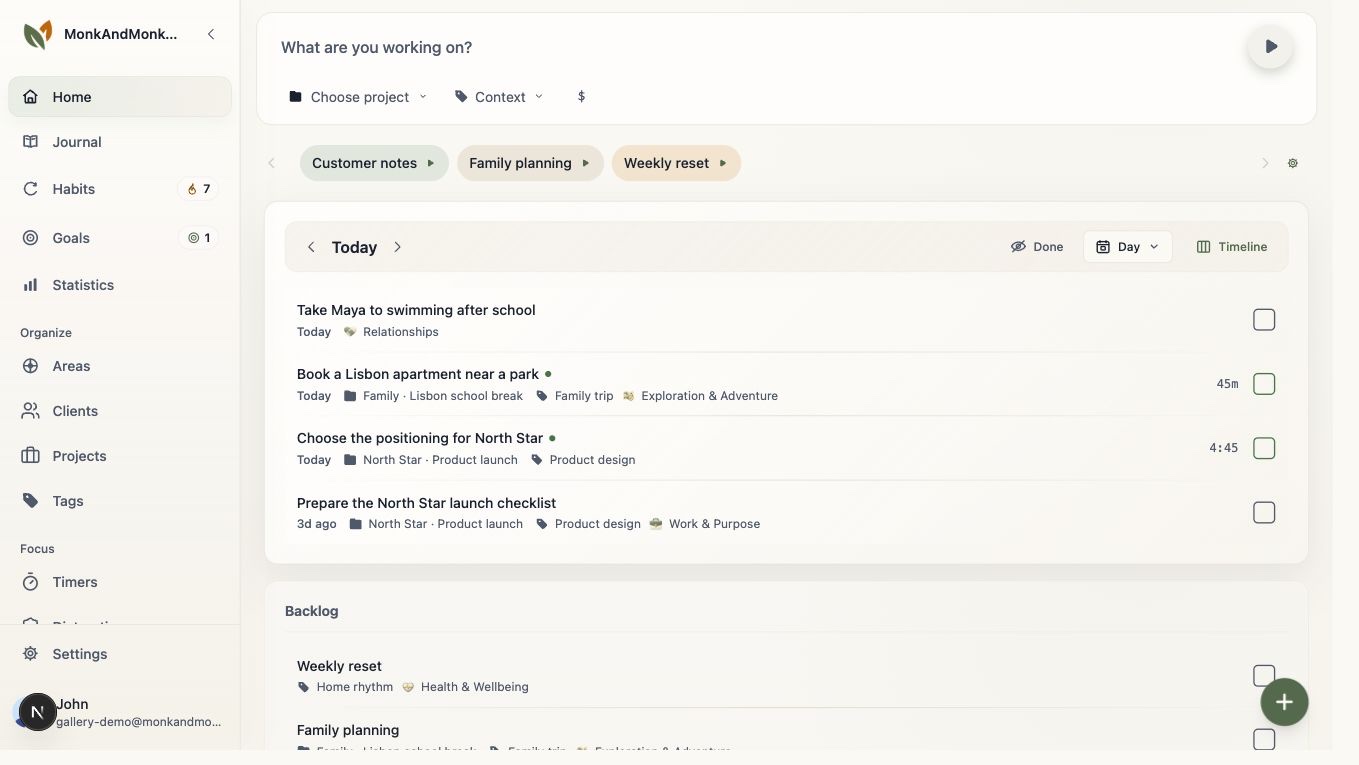
Your first five minutes
Write one task in words you can act on, such as “draft the opening paragraph.” Put it in Today. When you are ready, start a focus session from that task and work until you need a break or finish the piece. Pause or complete the session to keep the time record accurate. That is a complete first pass; you do not have to create goals, areas, presets, and habits before the app becomes useful.
Add one routine later
Once a task and focus session feel familiar, choose a single action you would like to repeat. Create a habit you can record honestly; give a longer intention its own goal if you need one. You can use the journal for a note about what helped. None of these is required for your first task.
Review, then adjust
After a few days, look at completed tasks and focus time. Keep what helped, change what did not, and write a note if the numbers miss something important.
Find the next guide or support
If the list keeps growing, read the Tasks guide for the different stages. If you want a repeatable routine, read Habits and Goals; for a look back, try Journal or Insights. For sign-in, account, or technical problems, use the support page. This guide gets you through a first action; it does not try to answer account questions with productivity advice.